
SAS 9.2 takes about 2.6 gigabytes disk space including the entire documentation. It runs on both Windows XP and Vista machines, professional edition. For details on system requirements for SAS 9.2, please visit the documentation prepared by SAS on System Requirements for SAS 9.2 Foundation for Microsoft Windows. Currently (as of October 20, 2008), you will be provided an installation DVD by Software Central. Although the installation process of SAS 9.2 takes quite fewer steps than SAS 9.1.3, we still recommend that you read the installation instruction before hand. The instruction guidelines below works for both Windows XP and Windows Vista.
Step 0. Check your computer system
- In general, SAS 9.2 WILL NOT run on either Windows XP Home edition or Windows Vista Home Edition.
- Make sure that your Microsoft Windows is up-to-date, for example, make
sure that at least Windows XP Service Pack 2 is installed. You can find out if
Service Pack 2 is installed on your machine by clicking on "Control Panel ->
System" and you will see the following:
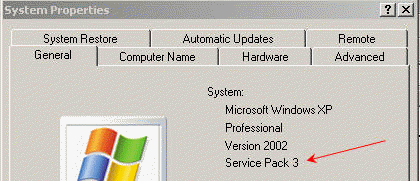
If your system is not up to date, you should update the system first before installing SAS. Visit the Microsoft Windows website for more details.
- If you have recently updated your machine and you haven’t restarted your machine, restart your machine before installing SAS.
- We recommend that you close all the applications, in particular, make sure that the
virus scan program is closed. Usually, there are a few Windows programs
running in the background, such as the virus scan program and such. You can
see what programs are running from the lower right corner of the
screen such as this one:
 . Most of the
time, you can then right click on them to close the programs. Be sure to
turn the virus scan program back on after the installation.
. Most of the
time, you can then right click on them to close the programs. Be sure to
turn the virus scan program back on after the installation.
Step 1. Copy the SID file to your local machine
Before starting your install, determine where your SID file is. It may come with the installation DVD. You should copy it to your computer, say, to the Desktop. If you have received it from an email, we assume you have saved the attachment to the Desktop as sid.txt.
Step 2. Setting for the Installation
- Put in the installation DVD. If it does not
start automatically, you can double click on the DVD icon to start it up. It takes at least about 10 seconds or more for SAS Deployment Wizard to fire up.
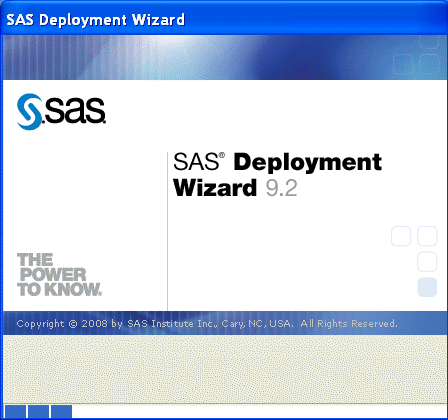
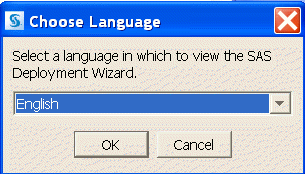
- Choose the language for running SAS (see window below)
- Select Install SAS software under the "End User Tasks" (see window below).
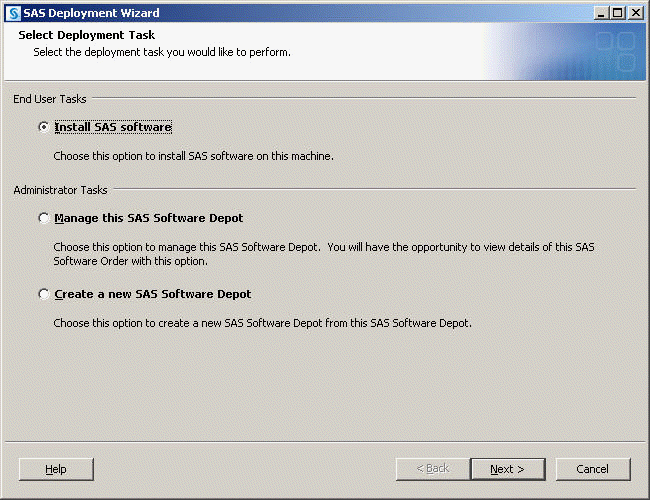
- Click next…
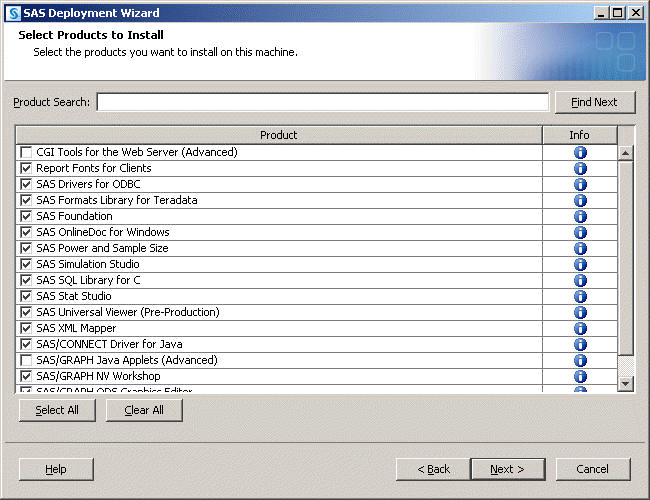
- Now you have a choice to select the components that you want to install. In the example below, we have selected most commonly used components and
skipped a few others. In terms of disk space, the skipped components are fairly small relative to the chosen ones.
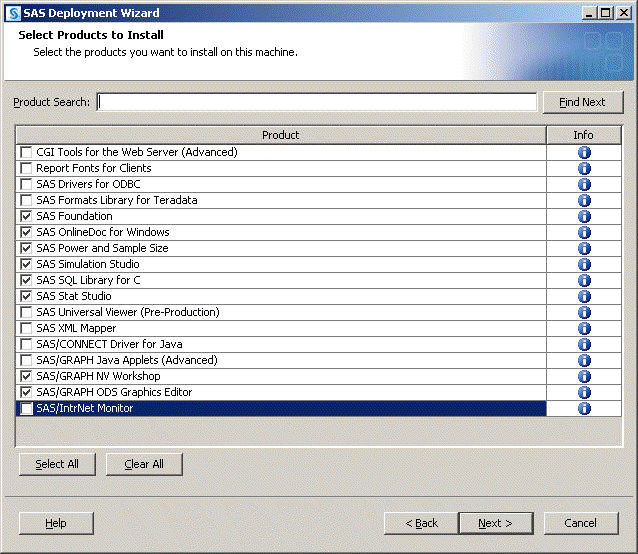
- SAS Foundation has all the SAS modules, such as SAS/BASE, SAS/STAT, etc and requires about 2.2 GB of disk space.
- SAS Online Doc for Windows is the entire documentation and requires 140MB of disk space.
- Other components do not take a great amount of disk space.
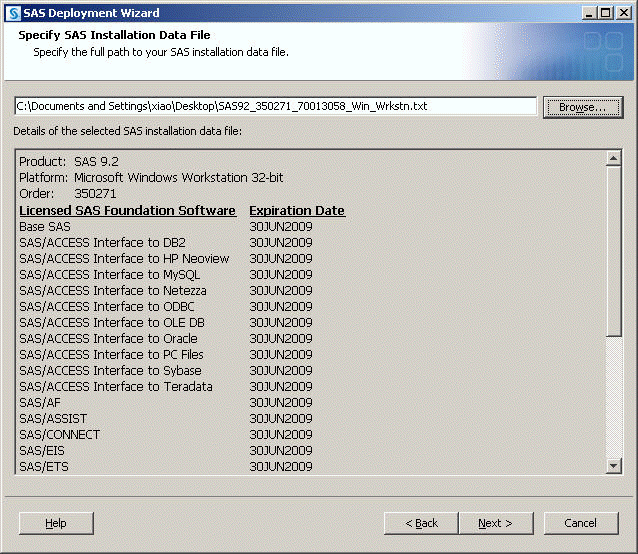
- Specify the location for the SID file. If you have a valid SID file, you will see a window similar to the one below with the right expiration date.
Step 3. The Installation process begins: click on Start…
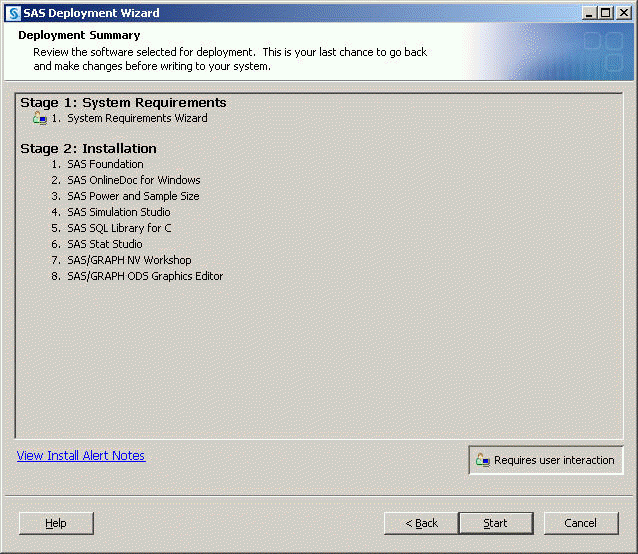
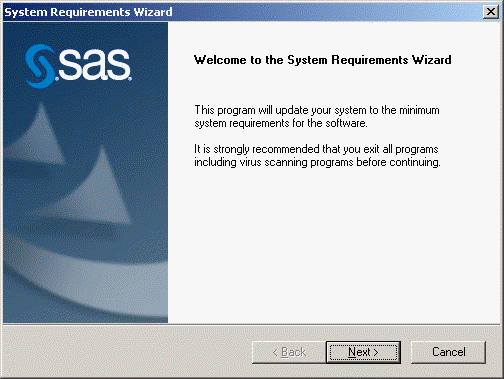
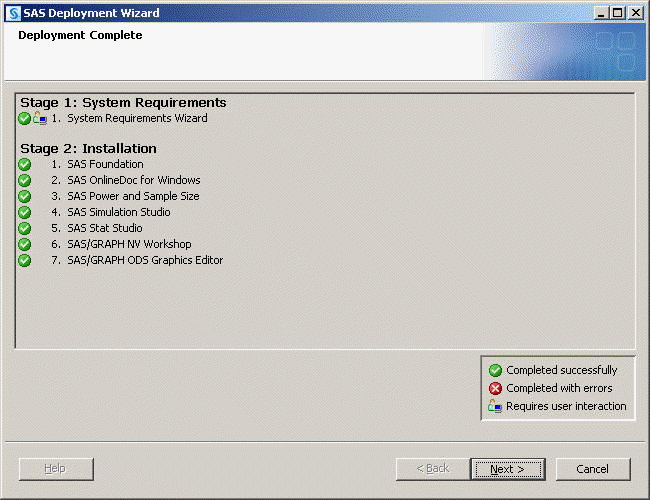
- Stage 1 requires your attention if you notice the icon or the message. It will check your system for minimum requirement. If your system does not meet the minimum requirement, this step will install any necessary components.
- Once Stage 2 starts, it may take about 20-30 minutes for the installation process to finish.
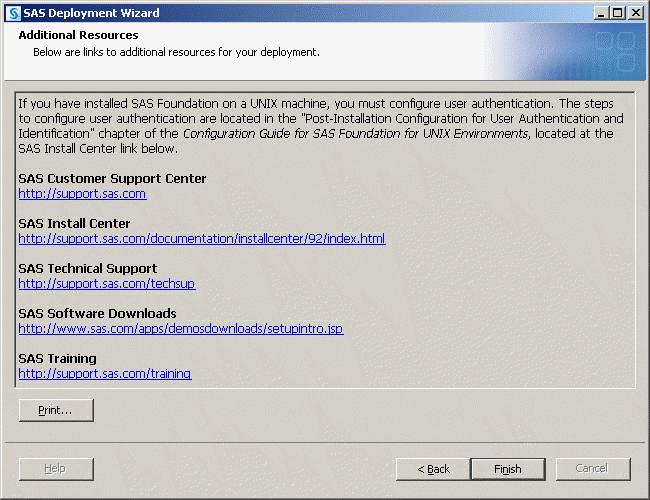
- Click on Finish and you should have SAS 9.2 installed on your computer.