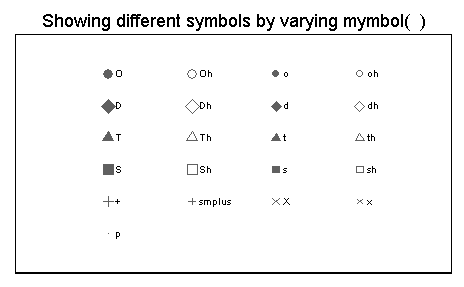
Sometimes you may want to see different marker symbol options to help you construct a graph. You can use the
showmarkers
command to do this as illustrated in this FAQ. You can install showmarkers over the internet by typing
search
showmarkers (see How can I use the search command to search for programs and get additional help?
for more information about using search).
The example below uses the
showmarkers command to show the different marker symbols that you can use in Stata.
showmarkers , over(msymbol)
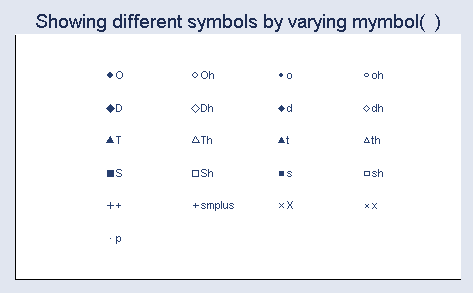
This is the same as the above graph but uses large markers.
showmarkers , over(msymbol) msize(large)
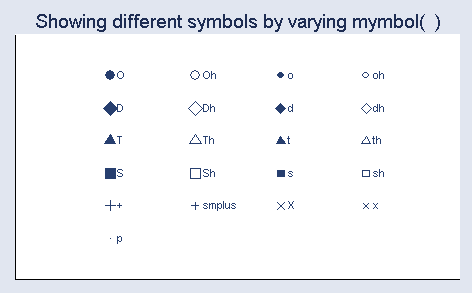
This shows the default marker varying the marker size.
showmarkers , over(msize)
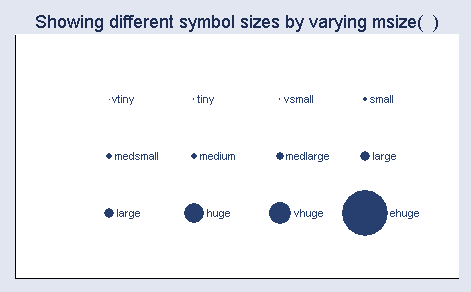
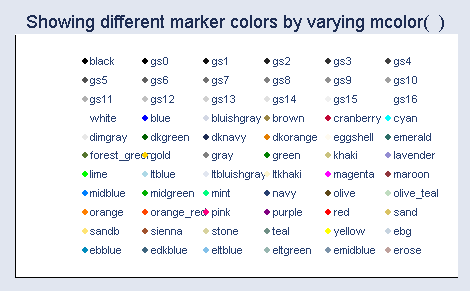
This shows the default marker but varies the color of the marker.
showmarkers , over(mcolor)
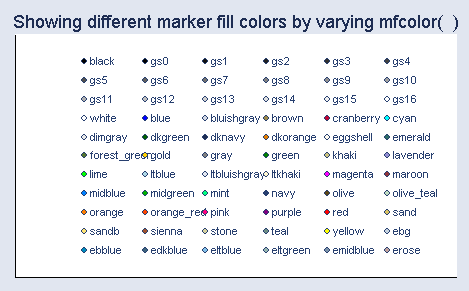
This shows the default marker but varies the fill color of the marker.
The fill color is the inside color of the marker.
showmarkers , over(mfcolor)
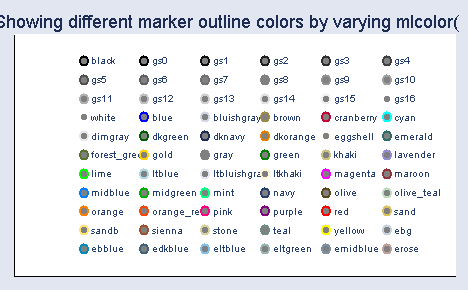
You can also modify the outside line color of the marker.
This example modifies the outside line color while
making the inside (fill) color gray, the marker size large, and
the width of the outside line to be medium thick.
showmarkers , over(mlcolor) mfcolor(gray) msize(large) mlwidth(medthick)
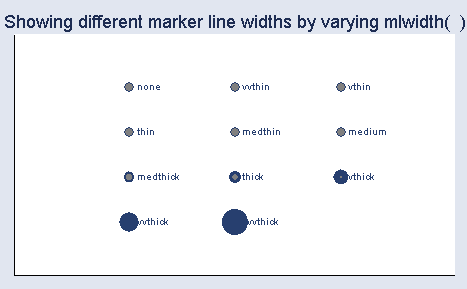
This modifies the width of the outside line for the marker while
making the inside (fill) color gray, the marker size large, and
the outside line color navy.
showmarkers , over(mlwidth) mfcolor(gray) msize(large) mlcolor(navy)
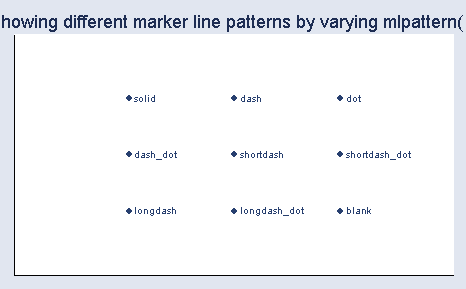
This example modifies the line pattern for the outside marker line.
(we are having trouble getting this to work).
showmarkers , over(mlpattern)
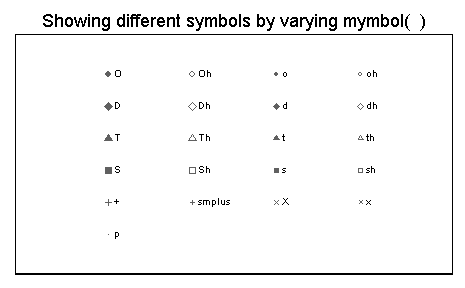
This varies the symbol, but uses the s1mono scheme.
showmarkers , over(msymbol) scheme(s1mono)
This is the same as above, but uses large markers.
showmarkers , over(msymbol) msize(large) scheme(s1mono)